
The Systemic Failure of Educational Technology
If you look closely at the trajectory of cybercrime in 2026, a horrifying pattern emerges. The syndicates are no longer satisfied with hacking decentralized retail chains or even vast healthcare networks. They have found a target that offers a much higher return on investment, with significantly lower defensive capabilities: the global educational technology (EdTech) sector.
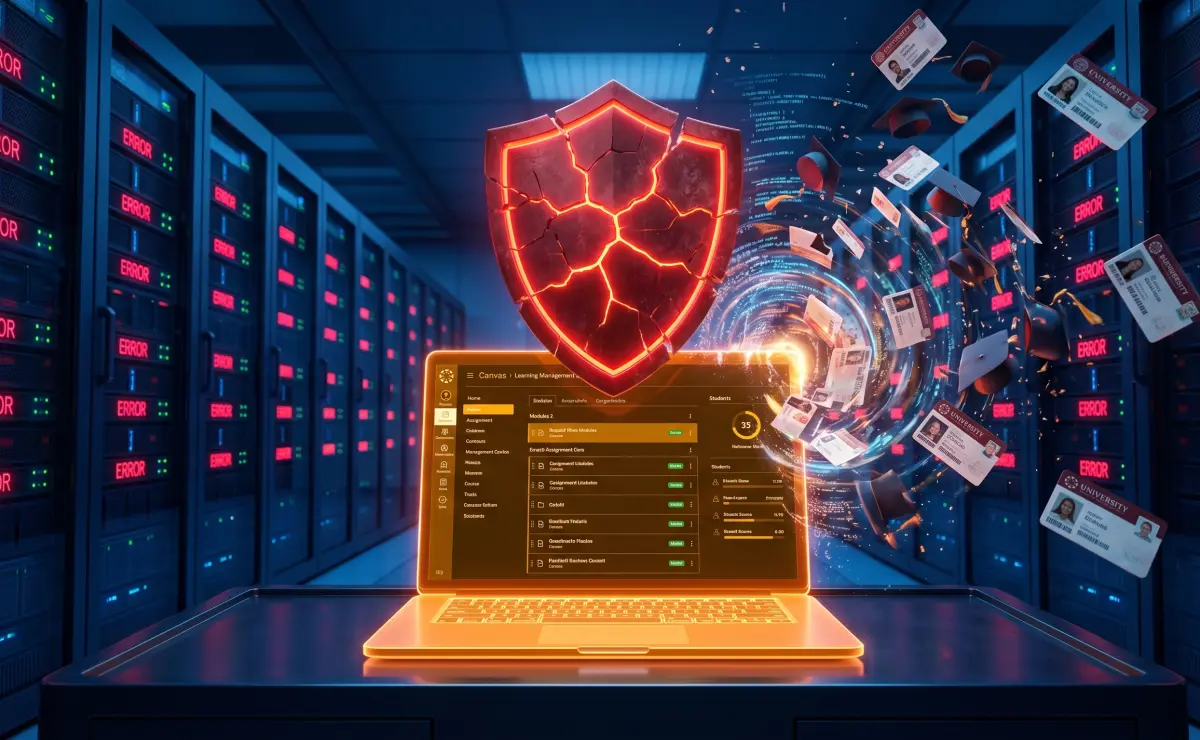
We are currently living through the "2026 EdTech Cyber Crisis." This is not an exaggeration; it is a clinical assessment of a collapsing infrastructure. Within a span of months, we have witnessed the Follett Software infiltration, the compromise of massive student databases, and the catastrophic, paradigm-shifting Instructure Canvas breach. The latter incident alone resulted in the exfiltration of 3.65 Terabytes of highly sensitive data, impacting 275 million students and educators globally.
When the software that fundamentally runs the modern educational system is compromised, the fallout is generational. The syndicates are not stealing grades; they are harvesting pristine, unmonitored digital identities. We must dissect why the EdTech sector has become the primary hunting ground for extortion groups like ShinyHunters, analyze the unique dangers posed by stolen academic data, and outline the non-negotiable defensive protocols every student, parent, and educator must adopt to survive this crisis.
Why EdTech is the Ultimate Target
To understand the crisis, you must understand the economics of the dark web. Cybercriminals operate like ruthless corporations. They seek maximum profit with minimum risk. The EdTech sector provides exactly that.
The "Pristine Identity" Paradox
The most lucrative commodity on the dark web is a "clean" Social Security Number. An adult's credit profile is cluttered with mortgages, car loans, and a decade of credit card usage. Fraud detection algorithms are highly tuned to spot sudden anomalies in an adult's established financial history.
A student, however, often possesses a completely blank financial slate. They have a valid Social Security Number, but no credit history. When syndicates breach an educational platform, they are harvesting millions of these pristine identities. They use this data to commit Synthetic Identity Fraud. They combine a real student's SSN with a fake name and a fake date of birth to open lines of credit. Because the student is young and rarely checks their credit report, the fraud can go undetected for years, often only discovered when the victim turns 18 and is denied their first student loan due to massive, defaulted debt they never accrued.
The Interconnected Web of Vulnerability
A modern university does not use a single piece of software. It uses a vast, interconnected web of third-party applications. A core Learning Management System (LMS) like Canvas acts as the central hub, but it is connected via APIs to grading software, plagiarism detectors, digital libraries, and financial aid portals.
This creates a massive attack surface. A university's IT department might have state-of-the-art firewalls protecting their local servers, but if a third-party vendor hosting a reading comprehension plugin is breached, the hackers can use that connection to move laterally into the core LMS. The syndicates understand that they don't need to breach the heavily defended university; they just need to breach the weakest vendor in the chain.
The Canvas Breach Updates: The Illusion of Deletion
The ongoing fallout from the May 2026 Instructure Canvas breach serves as the perfect case study for this crisis. The extortion group ShinyHunters managed to exfiltrate an unprecedented volume of data—3.65 Terabytes—from one of the largest EdTech companies on the planet. The data included user names, primary emails, Student IDs, and deeply private internal communications.
The most alarming update regarding the Canvas breach is how it was reportedly "resolved." Industry reports indicate that Instructure reached an agreement with the attackers, a diplomatic phrase that almost universally implies a massive ransom was paid. In exchange, Instructure received "digital confirmation" that the stolen data was deleted.
As cybersecurity professionals, we must state this clearly: there is no honor among thieves. Paying a ransom to an international cyber-extortion syndicate does not guarantee the data is deleted. It simply guarantees that the hackers got paid. It is highly probable that ShinyHunters made offline copies of the 275 million records, or that fragments of the database have already been sold to secondary identity brokers on the dark web. You cannot trust a "digital pinky promise" from a criminal organization. You must assume your data is still out there, and it is actively being weaponized.
The Academic Defense Protocol
The EdTech crisis proves that you cannot rely on school districts, universities, or software vendors to protect your digital identity. Their perimeters have failed. The responsibility for defense now falls entirely on the individual. If you are a student, a parent of a minor, or an educator, you must execute the following defensive protocols immediately.
1. Cryptographic Exposure Verification
You cannot fight an enemy if you do not know where they have breached your lines. Your first step is to establish a baseline of your exposure. Has your university email address, your personal email, or your child's contact information been swept up in the Canvas breach or any other recent EdTech infiltration?
Do not rely on the university to notify you. Use our zero-knowledge verification engine. Our architecture is designed for absolute privacy. We hash your email address locally in your browser and check that mathematical signature against a multi-terabyte database of known dark web dumps. If your academic address triggers an alert, you must assume that your context—your name, your classes, and your student ID—is in the hands of the syndicates.
2. The Proactive Credit Freeze
This is the single most critical step for parents of minors and young college students. You must cut off the financial oxygen supply to identity thieves before they can monetize your pristine data.
Contact the three major credit bureaus (Equifax, Experian, and TransUnion) and place a complete security freeze on your credit profile, or request a minor freeze for your child. A freeze places a cryptographic lock on the file. Even if ShinyHunters sells your Social Security Number to a fraudster, that criminal will be entirely unable to open a credit card or secure a loan in your name. The bank will attempt to pull the credit report, see the freeze, and instantly deny the application. This is a free, legally mandated right, and it is the only effective defense against synthetic identity theft.
3. Assume All Communications are Compromised
Because the Canvas breach exposed deeply contextual data—including private messages between students and professors—the resulting phishing attacks will be incredibly sophisticated. We must transition to a Zero-Trust mindset for all academic communications.
If you receive an email from the "Financial Aid Office" claiming your tuition payment failed, or an email from your "Professor" demanding you click a link to view a revised syllabus, do not trust it. The syndicates use stolen Student IDs to make these emails look perfectly legitimate. Never click links in emails regarding your academic or financial standing. Open a new browser window, manually navigate to the official university portal, and log in directly to verify any alerts.
4. Eradicate Academic Password Reuse
The syndicates rely on the terrifying reality of credential stuffing. They assume that the password you use for your Canvas portal is the exact same password you use for your online banking and your primary personal email.
You must break this chain immediately. Transition your entire digital life to a secure Password Manager (such as Bitwarden or 1Password). Generate a unique, 24-character cryptographic password for every single account, especially your university portals. If an EdTech platform is breached, the hackers will steal a random string of characters that is entirely useless anywhere else. Your exposure remains isolated to a single, contained event.
The Reality of the 2026 Educational Landscape
The cyber crisis of 2026 has stripped away the illusion of digital safety in the academic world. Educational technology is no longer just a tool for learning; it is a massive, highly vulnerable repository of human identity. We cannot wait for legislative reform or corporate accountability to solve this problem. The syndicates are moving too fast. We must build our own perimeters. Freeze your credit, secure your passwords, verify your exposure through our secure scanner, and teach your children to adopt a Zero-Trust mindset. The institutions may have failed to protect the data, but we can ensure the syndicates fail to monetize it.
Sources & Further Reading
The information in this article is based on the following authoritative sources:
- CERT-In (Indian Computer Emergency Response Team) — India's national cybersecurity agency — official advisories and breach alerts.
- Cybersecurity & Infrastructure Security Agency (CISA) — US government agency providing cybersecurity guidance and incident alerts.
- Identity Theft Resource Center (ITRC) — Authoritative non-profit tracking data breaches and identity theft globally.
Pwned Checker is committed to citing official and authoritative sources. All external links open in a new tab.
Was Your Email Compromised in this Security Incident?
Cross-reference your email, username, or passwords against billions of verified breach records using our zero-log lookup engine.
Check Your Email for Free →